Connect your channels
Start with website chat, then connect the channels included in your plan.

Bring customer conversations into a shared workspace. Assign the right teammate, leave useful private notes, and answer with the same context.
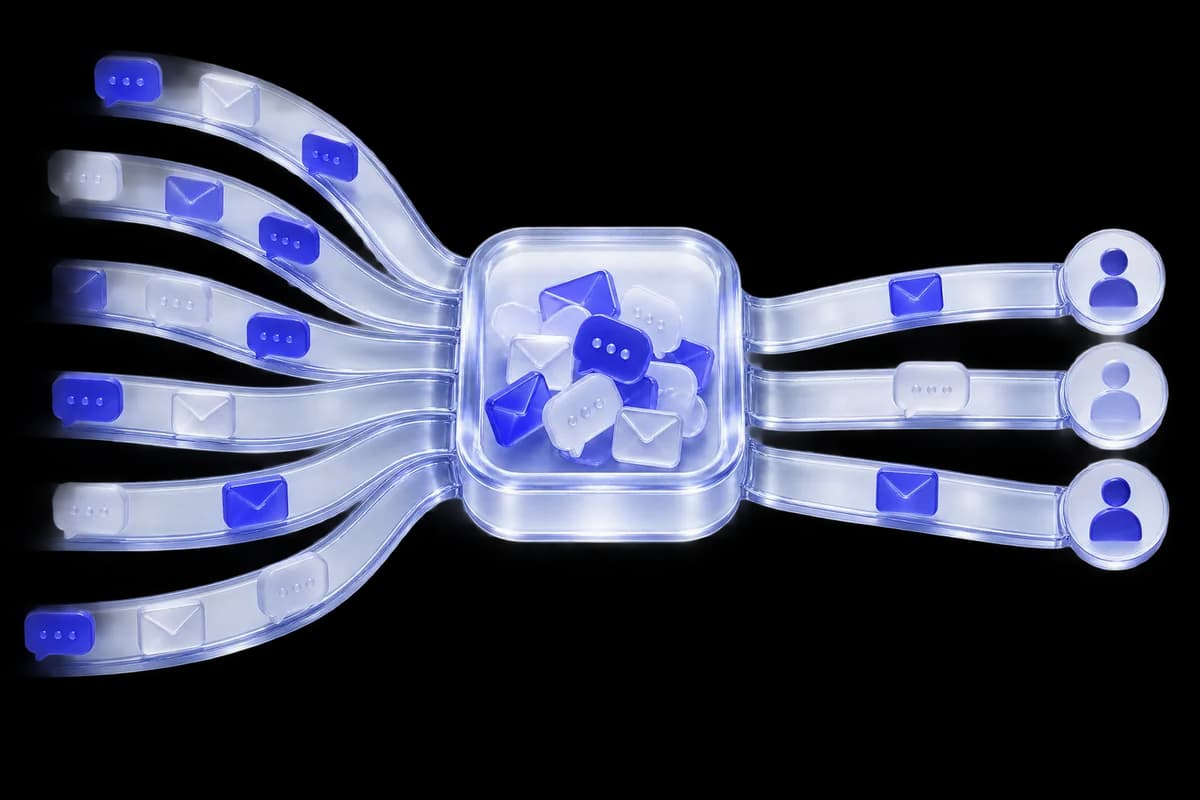
A shared conversation keeps replies, private notes and visitor activity together. Your teammates can understand what has happened and what to do next, without a separate briefing.
Move from a live visitor to a conversation, with useful context always close by.
TalkRobin workspace · illustrative visitor data.
Start with website chat, then connect the channels included in your plan.
Assign conversations to the teammate or team who can help.
Use private notes and saved replies to make each handoff clear.
Tools that help your team stay present, understand the context, and make the next reply count.
Separate your assigned conversations from unassigned and all conversations.
Keep internal handoff details inside the conversation, away from the customer’s view.
Connect supported email and social messaging channels on an eligible plan.
Start with a saved response and tailor it to the visitor’s actual question.
Free includes one agent, Pro three and Business seven. Enterprise can support an unlimited team on a custom agreement.
Alongside website chat, eligible plans support channels such as email, WhatsApp, Facebook and Instagram. Individual channel setup and provider requirements apply.
Private notes are for your team. Use the Reply composer when you want to send a message to the customer.
Start with the free plan. Build a more helpful website, one visitor at a time.
No credit card needed · Free forever plan