Start with the present
Check online status and the current page in Website activity.

Bring their current page, previous visits, device and traffic source into the conversation. Less asking people to repeat themselves. More useful answers.
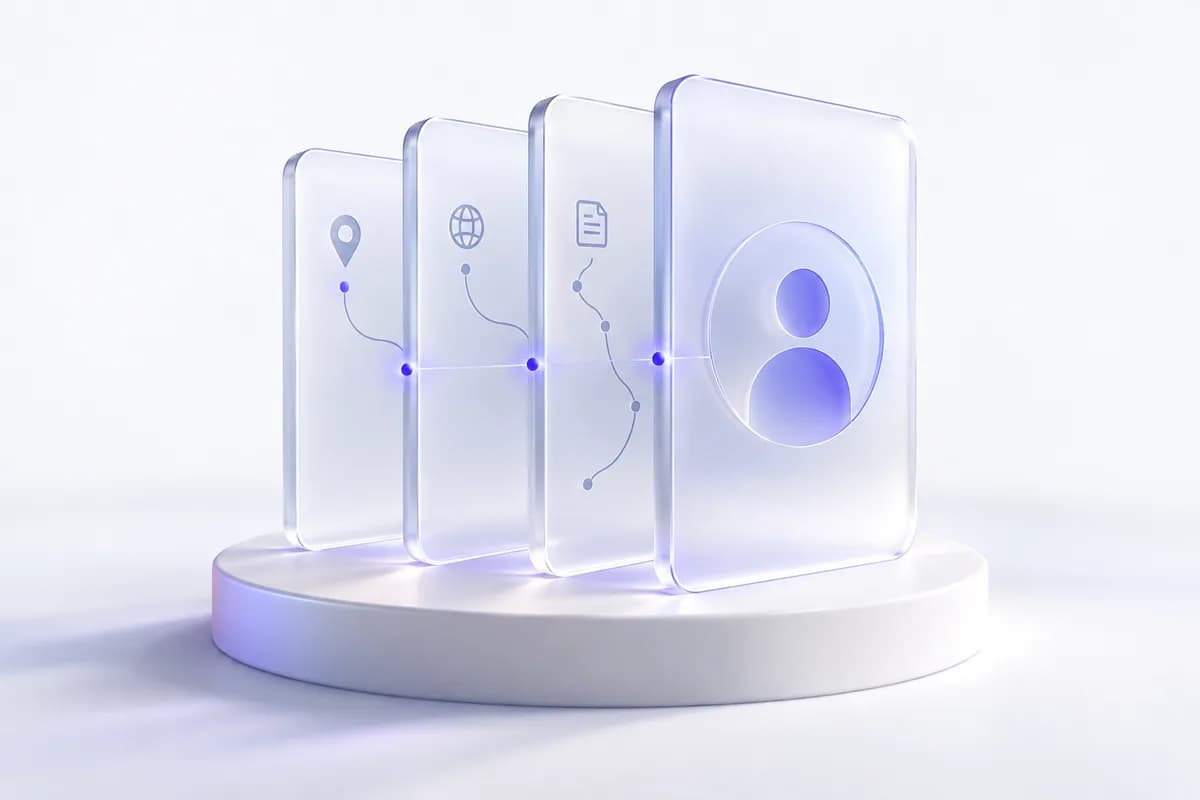
The Website activity panel sits beside the conversation. A glance tells you whether they are online, what they are viewing and how they arrived. Open the full activity view to go deeper.
Move from a live visitor to a conversation, with useful context always close by.
TalkRobin workspace · illustrative visitor data.
Check online status and the current page in Website activity.
Review pages, visits, source and recent events for useful context.
Open full activity or an available replay to understand a difficult moment.
Tools that help your team stay present, understand the context, and make the next reply count.
Visits, page views and errors summarize the journey without a wall of data.
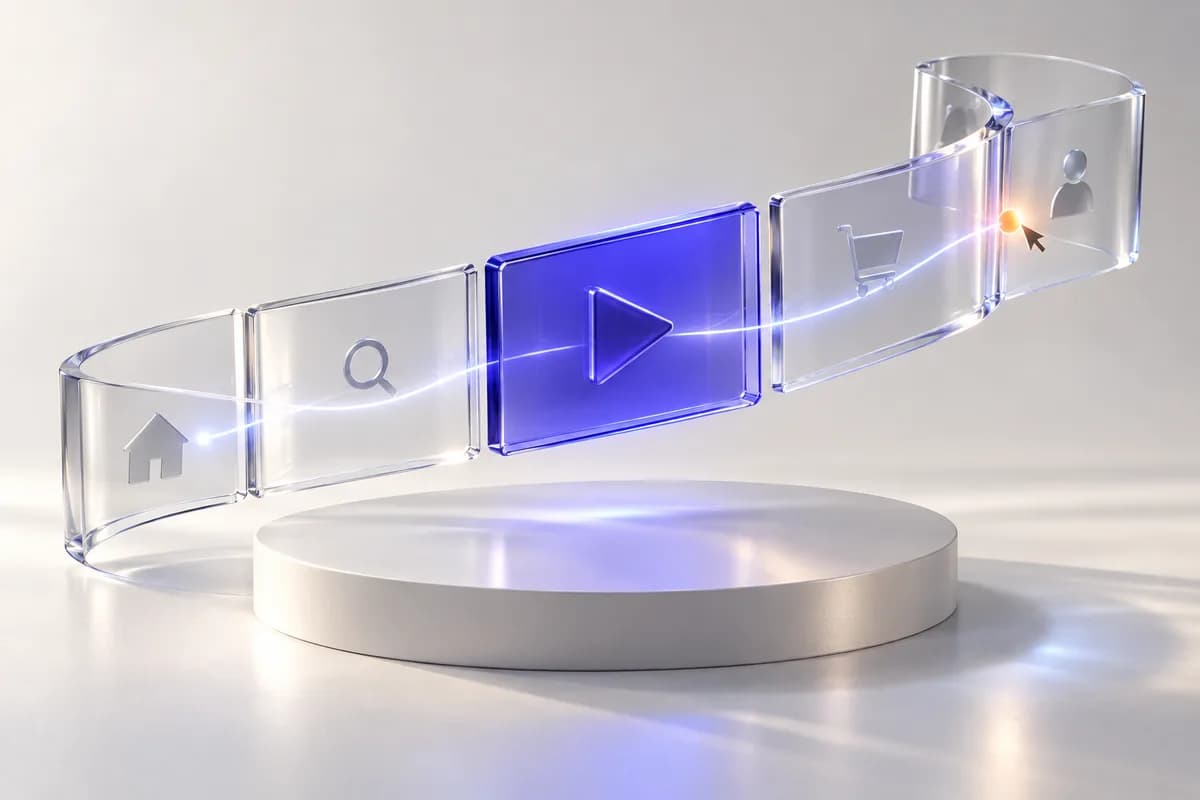
See the order of page views and interactions around the conversation.
Recognize a returning browser and review the available visit history.
Device, approximate location and referral details help frame your response.
Free includes basic profiles and seven days of history. Pro and Business include full profiles with 90 days of history. Enterprise history is arranged with your team.
No. Visitors can remain anonymous. A name or email appears when it is supplied through the conversation or your integration.
When a session replay was captured and is available within your plan and retention period, you can open it from the visitor’s activity.
Start with the free plan. Build a more helpful website, one visitor at a time.
No credit card needed · Free forever plan